Meet your patients before you see them.
Send a link, collect the intake, and walk in prepared. circleOS gathers consent and history before the visit, tracks every completion, and turns a finished form into the plans and documents that come next.
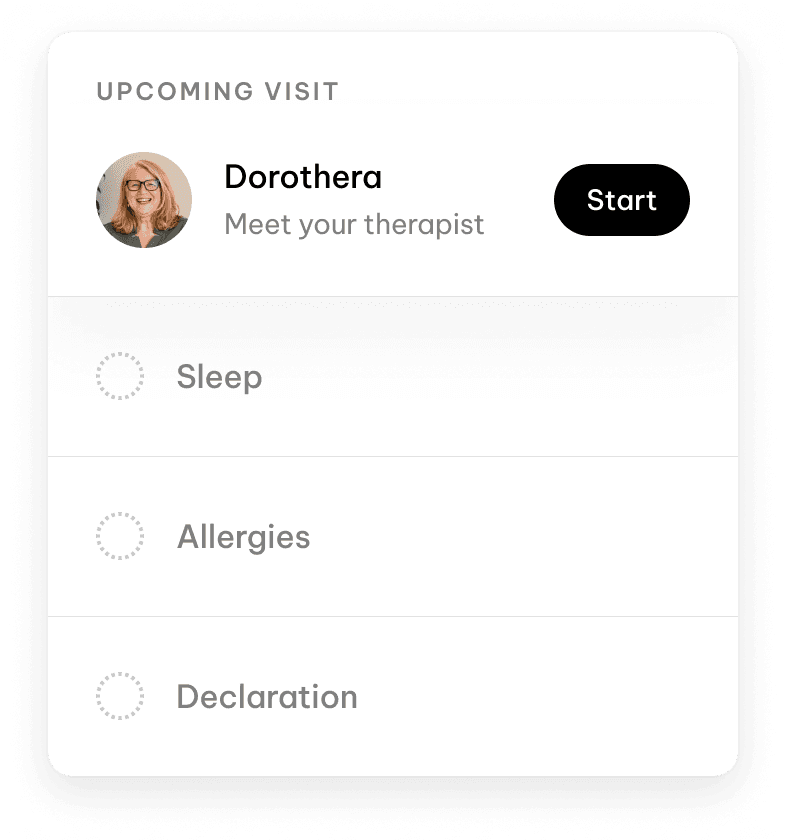
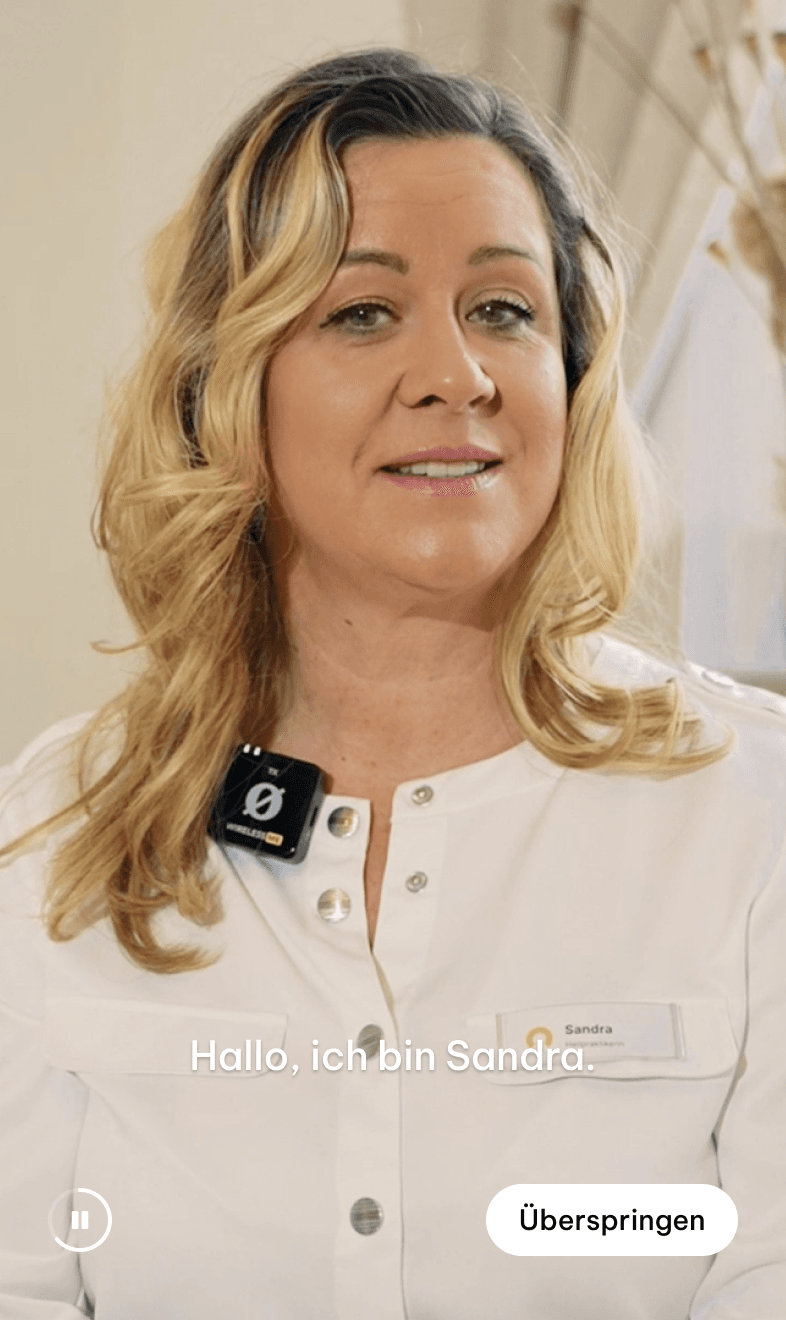
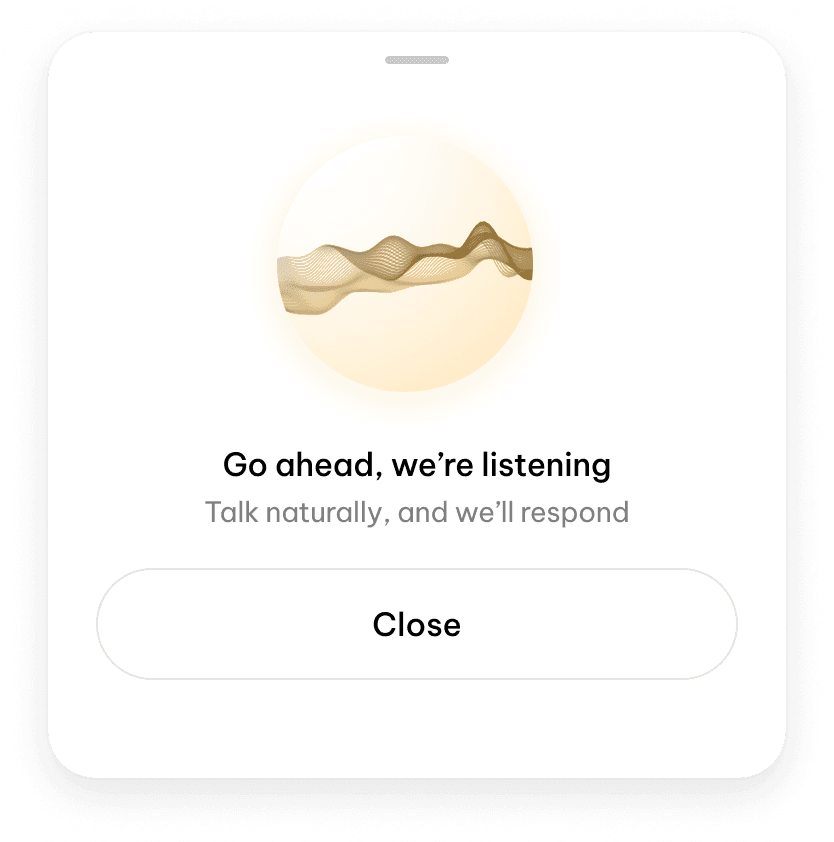
Onboarding & Intake
Decide what you need before the visit.
Set the forms each service requires, add one-offs for a single patient, and hand patients a link to book or buy — all from where you already work.
Forms tied to a service
Attach the intake, consent, or pre-op forms a service needs, and every booking for it asks for the same forms — no setup per patient.
One-off requirements
Need an extra form from one patient? Add a pre-appointment requirement straight to their profile without touching the service default.
Timed to the visit
Choose when a form is due — before the appointment or during an active plan — so it surfaces in exactly the right place in the workflow.
Validity windows
Give a form a validity window. Once it expires, the requirement reads as missing again and asks the patient for a fresh submission.
Booking links
Copy a patient-facing link from any service so patients can browse open slots and book themselves — with every variant on offer.
Checkout links
Narrow it down to a single variant booking link, or send a direct product checkout link when the flow is transactional, not appointment-based.
Distribution & submissions
Get forms to patients, get answers back.
Email, SMS, or an in-clinic QR code — patients fill forms on their own device and circleOS tracks every completion in real time.
One link, every form
Send a single patient-forms link. The patient signs in with their phone number and sees every form currently required for them in one place.
Email or SMS, from here
Send that link by email or SMS to the patient's saved details. circleOS delivers it directly — no copying addresses or switching apps.
A QR code in clinic
When the patient is standing with you, show a QR code on screen. They scan it on their own device and start filling forms — no URL to type.
Patients finish on their phone
Patients complete each form on their own device, then submit. circleOS records the answers and marks the requirement complete the moment it's valid.
Upload a paper form
Got a form on paper or from outside the app? Upload the PDF from a patient's required-forms list and circleOS marks the requirement done.
Review every submission
See captured answers in the patient profile or on the form itself. Invalidate a submission and the requirement flips back to missing — nothing deleted.
Intake,
start to finish.
One guided path from a link to a completed visit — circleOS walks every step and tracks what’s still missing so nothing slips before the day.
- 01Share the linkCopy a booking, variant, checkout, or appointment link and send it to the patient by email, SMS, or a QR code in clinic.
- 02Patient books or returnsThe patient opens the link, browses options, and books or checks out — or reviews a booking they already have.
- 03Attach the formsSet the forms the service needs, or add a one-off requirement for this patient, with pre-appointment timing.
- 04Send the forms linkSend the patient-forms link by email, SMS, or QR. The patient signs in and sees everything currently required for them.
- 05Patient completes intakeThe patient answers each form and submits. circleOS receives the submission, records the answers, and marks the requirement complete.
- 06Review and actCheck submissions, invalidate or re-upload if something's off, then share the plans and documents the intake produced.
On submission
A finished form does the next step for you.
Submissions don't just sit in a list. Turn them into documents and draft plans, published and scoped to the right visit, the moment they arrive.
Documents on submit
Turn on document sync and every new submission creates a linked patient document — the structured response or the uploaded file, kept on file.
Published automatically
Add auto-publish and those documents go straight to the patient's portal as they're created, so they can read them the moment they're ready.
Draft plans from intake
Have a form generate a plan and each submission opens a draft plan, pre-titled with the form, ready for your team to review and activate.
Scoped to the right visit
Submissions link to the booking or plan they came from, so the documents and plans they create inherit the right location and context.
Real-time or daily
Submissions arrive the instant a patient finishes, or as a daily batch when that suits the form better.
Matched to the patient
circleOS links each submission to the right patient by ID, phone, or email — so completions land on the profile they belong to.
Add-ons
Forms, powered by Fillout.
You design the questionnaire, branching, and fields in Fillout. circleOS handles the operational layer — requirements, distribution, submissions, and side effects.
Fillout
Build forms via Fillout & have them show up in circleOS.
Walk into every visit prepared.
Collect intake before the day, track every completion, and turn finished forms into the plans and documents that follow.
Explore the rest of circleOS
Patient Portal
v0.1.9Extend beyond your walls & opening hours.
Scheduling
v0.1.9Schedule. Reschedule. Repeat.

Live Mode
v0.1.0The important stuff, front and centre.
Circle Intelligence
v0.0.9Your contextually-aware clinical assistant.
Notes
v0.1.2Living, breathing, context aware.
Documents
v0.0.1Patient-facing writing, kept tidy.